Document Processing: Validation is Plan A
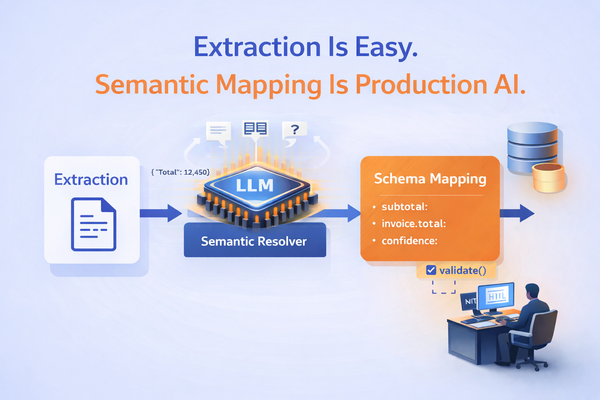
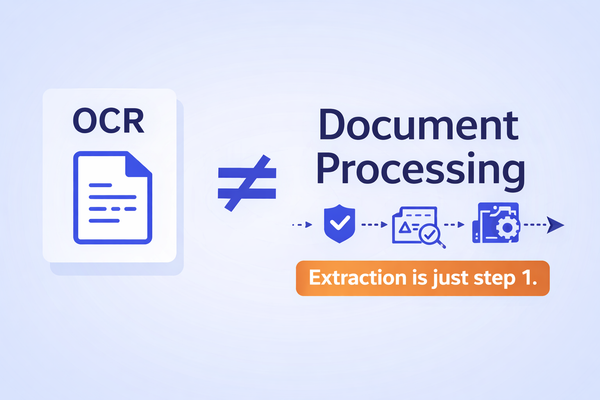
Most document AI systems fail after extraction. This deep dive explains why validation breaks on an example invoice pipeline and how to fix it.

Building on last week's post we noticed a key feedback, especially if you've built or tried to build document pipelines in production.
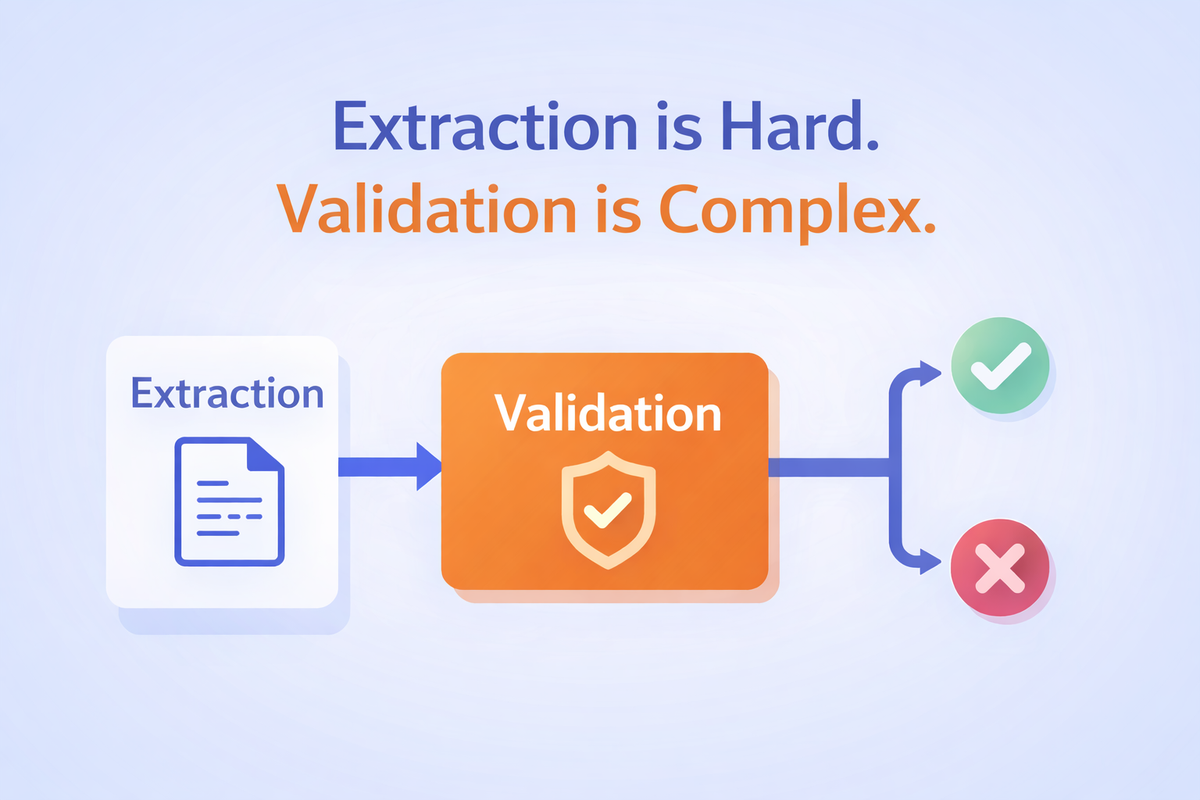
Extraction failures are obvious.
Validation failures are subtle and far more dangerous.
This post is about why validation is a complex part of document AI, using a concrete, developer-familiar context: supply chain invoices.
Why Invoices Are a Perfect Stress Test for Document AI
Invoices look simple. They usually contain:
- Supplier details
- Invoice number and date
- Line items
- Taxes
- Totals
- Payment terms
Modern extractors do a decent job pulling this data out. And yet, invoice automation systems fail constantly in production. Not becase the OCR missed text, but because the validation logic breaks under real-world complexity.
What “Validation” Actually Means in Practice
Validation is not:
- Regex checks
- Required field presence
- “Confidence score > 0.9”
Real validation answers questions like:
- Do line items actually sum to the total?
- Are tax calculations internally consistent?
- Does this invoice comply with supplier-specific rules?
- Does this invoice contradict historical patterns?
- Is this invoice plausible in context?
In other words:
Validation is where probabilistic extraction must meet deterministic business expectations.
A Naive Invoice Validation Pipeline
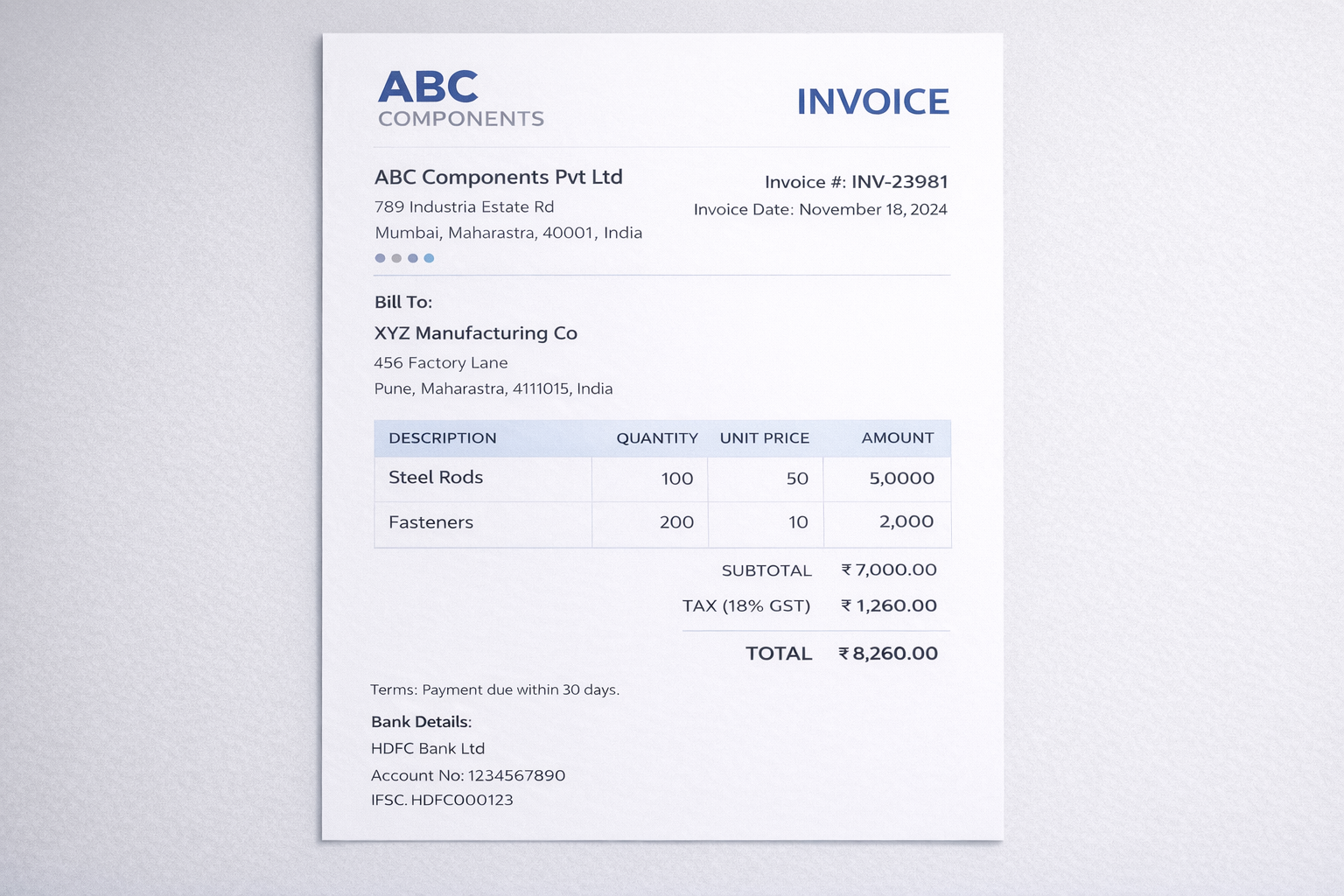
Here’s how teams often think validation works:
- Extract invoice fields into JSON
- Apply rule-based checks
- Flag failures for human review
- Auto-approve the rest
A clean extracted invoice might look like:
{
  "supplier": "ABC Components Pvt Ltd",
  "invoice_number": "INV-23981",
  "invoice_date": "2024-11-18",
  "line_items": [
    { "description": "Steel Rods", "quantity": 100, "unit_price": 50, "amount": 5000 },
    { "description": "Fasteners", "quantity": 200, "unit_price": 10, "amount": 2000 }
  ],
  "subtotal": 7000,
  "tax": 1260,
  "total": 8260
}
Looks good. Validation passes. Automation proceeds. Until reality intervenes.
Failure Mode #1: Totals That “Almost” Match
Real invoices include:
- Rounding
- Discounts
- Freight charges
- Supplier-specific tax logic
A more realistic invoice:
{
  "subtotal": 7000,
  "discount": 70,
  "tax": 1258.6,
  "total": 8188.6
}
A strict rule fails:
assert subtotal - discount + tax == total
So teams relax it:
abs(calculated_total - total) < 2
Now you’ve introduced ambiguity. What happens when the difference is 1.8 for a real overbilling case?
Your validation logic has already started leaking risk.
Failure Mode #2: Line Items That Don’t Mean What You Think
Invoices are not semantically consistent.
One supplier uses:
- Quantity × Unit Price
Another uses:
- Weight-based pricing
- Bundled items
- “Service charges” as line items
Extraction might return:
{
  "description": "Logistics Adjustment",
  "amount": 1500
}
Is this:
- A valid charge?
- A duplicate of freight?
- A hidden markup?
Rules can’t decide this in isolation.
Failure Mode #3: Supplier-Specific Rules Don’t Scale
Teams often add logic like:
if supplier == "ABC Components":
    expect_gst = True
    max_tax_rate = 18
This works… until:
- Suppliers change templates
- New suppliers are onboarded
- One supplier uses multiple formats
You end up with:
- Hundreds of conditional rules
- No clear ownership
- No confidence in coverage
This is where validation systems quietly rot.
Failure Mode #4: Cross-Document Validation Is Ignored
Invoices don’t exist in isolation.
They should align with:
- Purchase orders
- Goods receipt notes
- Contracts
Example:
- PO quantity: 90 units
- Invoice quantity: 100 units
Is this:
- Overbilling?
- Partial delivery mismatch?
- A valid amendment?
Without cross-document validation, automation becomes meaningless in any business context.
Failure Mode #5: False Positives Kill Automation
To be safe, teams over-validate.
The result:
- 40–60% invoices flagged
- Humans get overwhelmed
- The automation is bypassed
- “Just approve everything” becomes the policy
At this point, document AI exists, but delivers no value (ever heard of the 95% AI project purgatory?).
Treat Validation as a First-Class Pipeline Stage (Not a Safety Net)
Most pipelines treat validation as a last-mile check.
At scale, this collapses.
The core shift required:
Validation is not a boolean gate.
It is a decision-producing system.
Validation Should Never Return “Pass / Fail”
Instead of:
{
  "is_valid": false
}
Validation should emit a structured decision artifact:
{
  "validation_status": "needs_review",
  "confidence": 0.78,
  "issues": [
    {
      "code": "TOTAL_MISMATCH",
      "severity": "medium",
      "field": "total",
      "expected": 8190,
      "observed": 8188.6,
      "explanation": "Difference of ₹1.4 likely due to rounding"
    }
  ]
}
This single change unlocks scalability.
Severity Is How You Avoid Human Overload
Human overload happens when everything is treated as urgent.
Introduce severity tiers:
| Severity | Meaning | Action |
|---|---|---|
| Low | Expected variance | Auto-approve |
| Medium | Plausible issue | Queue |
| High | Likely error | Mandatory review |
| Critical | Compliance risk | Block |
Now humans see only what matters.
Group Failures by Pattern, Not by Document
Instead of:
- 200 invoices
- 200 individual failures
Surface:
“47 invoices from Supplier X this week have minor rounding differences.”
This allows:
- Bulk approval
- Rule refinement
- Automation improvement in one action
Confidence-Based Routing Reduces Reviews by Design
This is not raw model confidence. It is decision certainty computed after validation rules, cross-checks, and explanations have been applied.
Example policy:
- Confidence ≥ 0.9 → auto-approve
- 0.7–0.9 → queue
- < 0.7 → block
This alone can reduce human reviews by 50–70%.
Learn From Overrides
The most dangerous moment in automation is when a human overrides the system and nothing is learned.
Capture:
- Which rule triggered
- What changed
- Why it changed
Example:
{
  "override": true,
  "original_issue": "MISSING_FREIGHT",
  "human_reason": "Supplier includes freight in unit price"
}
Over time, this becomes:
- New rules
- Better prompts
- Supplier-specific intelligence
Preventing Automation Bypass
Automation gets bypassed when:
- Failures feel arbitrary
- Explanations are missing
- Trust erodes
The fix is explainable validation.
Every issue should be:
- Traceable to source data
- Clearly explained
- Actionable
If humans understand why something failed, they won’t work around the system.
Validation as a System of Record
The final shift:
Validation is not an internal check.
It is a system of record for decisions.
A good validation layer:
- Logs every decision
- Preserves rationale
- Supports audits
- Enables replay
This is what turns document AI from a demo into infrastructure.
Where Agami Fits
At Agami, we don’t try to “solve OCR”.
We focus on:
- Validation-first pipelines
- Structured decision outputs
- Systems engineers can reason about
- Workflows that improve with feedback
Because in document AI, Extraction gets data out but Validation determines whether you can trust it.
Final Thought
If your document system only answers:
“What does the document say?”
You don’t have automation. You have transcription.
Real document AI answers:
“Can I safely act on this?”
And that answer lives...or dies...in validation.
If you want to hear about real case studies on where validation forms a critical part of a document processing workflow, talk to us today.
Book your complementary session
Frequently Asked Questions
1. What does “validation” mean in document AI?
In document AI, validation is the process of checking whether extracted data is consistent, complete, and safe to use for downstream actions. It includes math checks (totals, taxes), schema checks, cross-field consistency, and often cross-document verification against purchase orders, goods receipts, or contracts.
2. Why is validation harder than extraction?
Extraction answers “what does the document say?” Validation answers “can I safely act on this?” Real-world documents contain rounding, discounts, exceptions, supplier-specific formats, and ambiguous line items. Validation must handle edge cases, enforce deterministic rules, and still scale without overwhelming human reviewers.
3. What are common invoice validation rules teams should implement?
Common invoice validation rules include subtotal and line-item reconciliation, tax computation checks, invoice number/date sanity checks, duplicate invoice detection, supplier identity verification, and matching invoice quantities and amounts to purchase orders and goods receipt notes where available.
4. Why do invoice automation pipelines fail in production?
Invoice pipelines often fail because validation logic becomes brittle and inconsistent. Typical issues include schema drift across suppliers, non-deterministic AI outputs, cross-document mismatches (PO vs invoice), and high false positives that overwhelm humans—leading teams to bypass automation entirely.
5. How do you reduce false positives and prevent humans from being overwhelmed?
Reduce human overload by treating validation as a decision stage with severity tiers (low/medium/high/critical), grouping failures by pattern (e.g., supplier-level rounding issues), using decision certainty for routing, and learning from human overrides to improve rules and prompts over time.
6. Should teams rely on model confidence scores for validation?
Not by itself. Raw model confidence is not a substitute for validation rules. However, after structured validation and cross-checks are applied, “decision certainty” can be used to route cases—auto-approving low-risk outputs, queueing ambiguous ones, and blocking high-risk failures.
7. What is cross-document validation in accounts payable?
Cross-document validation verifies invoice data against other business records such as purchase orders, goods receipt notes, delivery challans, and contracts. It helps detect overbilling, duplicate invoices, incorrect quantities, and pricing discrepancies that a single-document extraction system cannot catch.
8. How can invoice validation be made auditable and replayable?
Make validation auditable by producing structured validation outputs (issues, severity, explanation, suggested action), storing decision logs, versioning rules and prompts, and enabling reprocessing. This provides traceability from the source document to the final decision for audits and compliance.
9. What does a “validation decision artifact” look like?
A validation decision artifact is a structured output that includes status (approved/needs review/blocked), a list of issues with severity and explanations, and routing guidance. This is more useful than a simple pass/fail flag because it supports automation, audits, and continuous improvement.
10. What’s the best way to start building validation for document processing?
Start with deterministic invariants (math checks, required fields, basic identifiers), then add supplier-specific normalization, cross-document matching, and severity-based routing. Design for iteration by capturing overrides and feedback so the system improves rather than accumulating one-off rules.